Colour palette
Background, surface, text, accent, border and more, each with its role. Click to copy any hex code.

Tools › W24 Design Grabber
 W24 Design Grabber · Chrome extension
Design Grabber reads the colours, fonts, type scale, spacing, corner radius, shadows and logo of the site you are on, checks contrast, and exports CSS variables, a Tailwind config or design tokens.
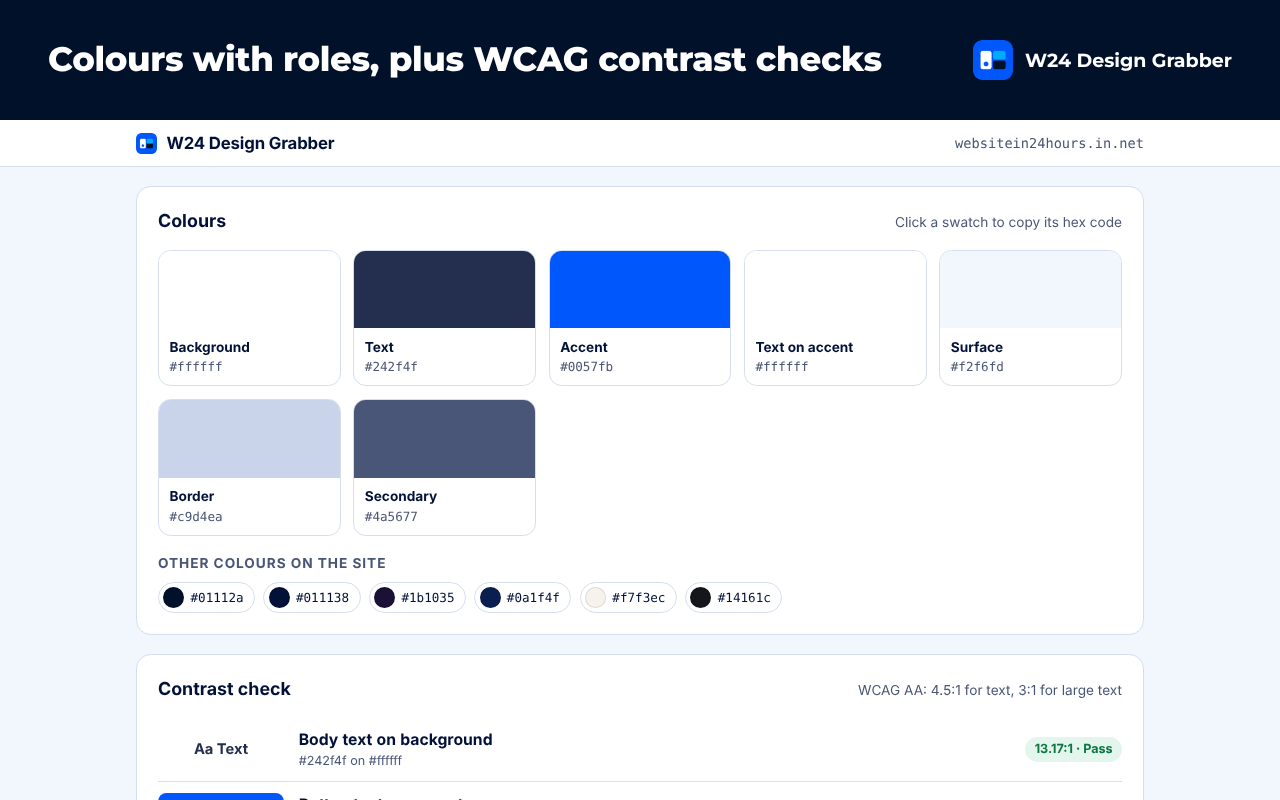
Background, surface, text, accent, border and more, each with its role. Click to copy any hex code.
Text, buttons and links tested against WCAG AA with the exact ratio.
Fonts plus size, weight and line height for headings, body, links, buttons and captions.
The spacing scale, corner radius, shadows and button style the site uses.
Logos, favicons and the share image, with SVG logos ready to download.
CSS custom properties, Tailwind theme config or a design tokens JSON file.
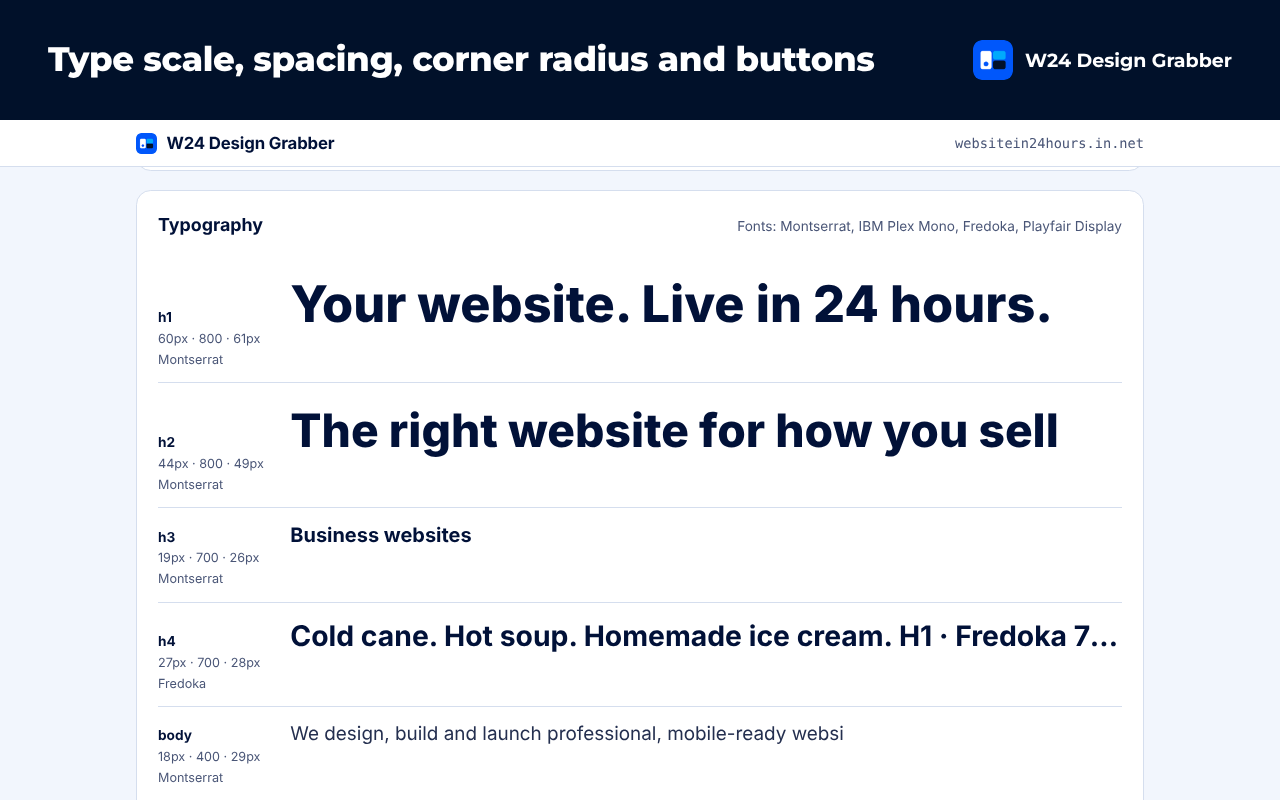
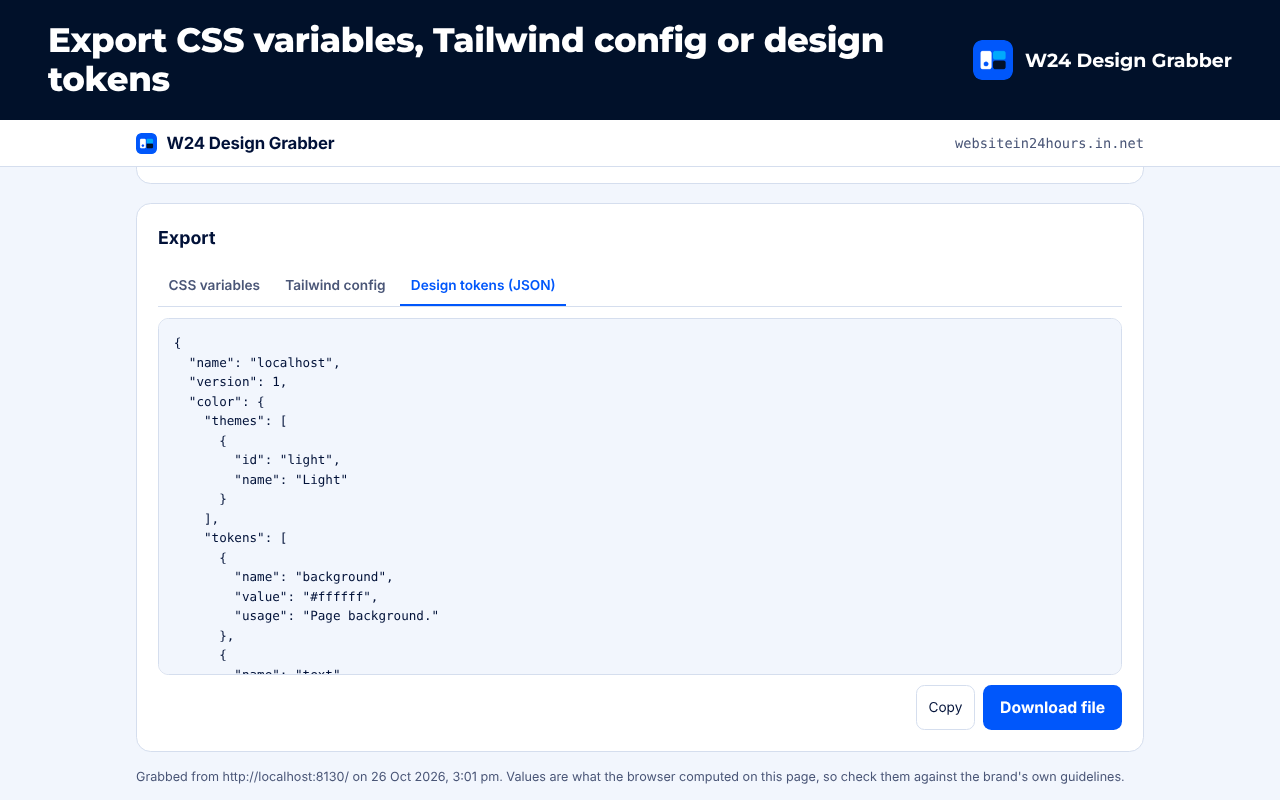
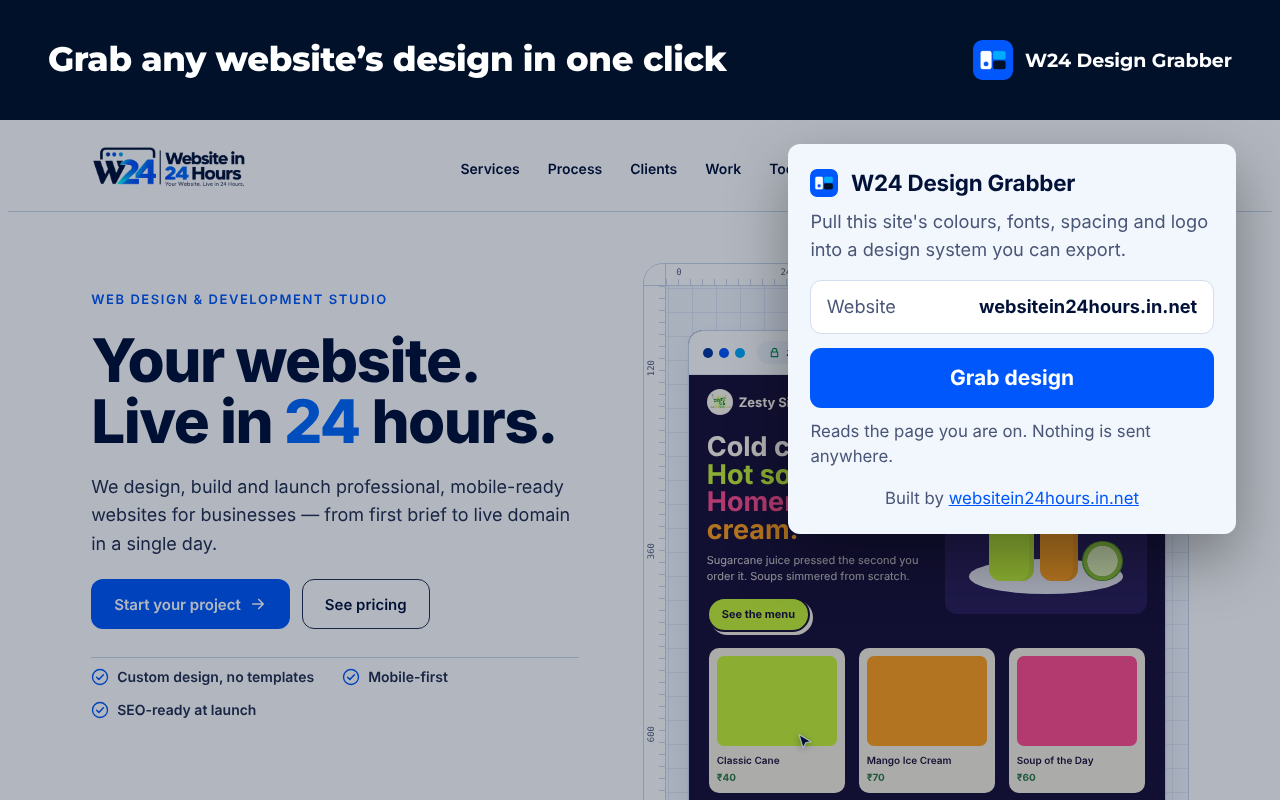
Screens show the extension running on demo pages.
They are the values the browser computed on the page you grabbed. Check them against the brand's own guidelines before you rely on them.
Browsers block reading stylesheets served from other domains, so only variables in readable stylesheets are listed.
No. Everything runs in your browser. Your last 10 grabs are kept on your device.
Need help? Visit support · Read the privacy policy.