Clean page text
The main content as Markdown. Menus, footers, cookie banners, share bars and ads are left out, and tracking parameters are removed from links.
Tools › W24 Page-to-Prompt
 W24 Page-to-Prompt · Chrome extension
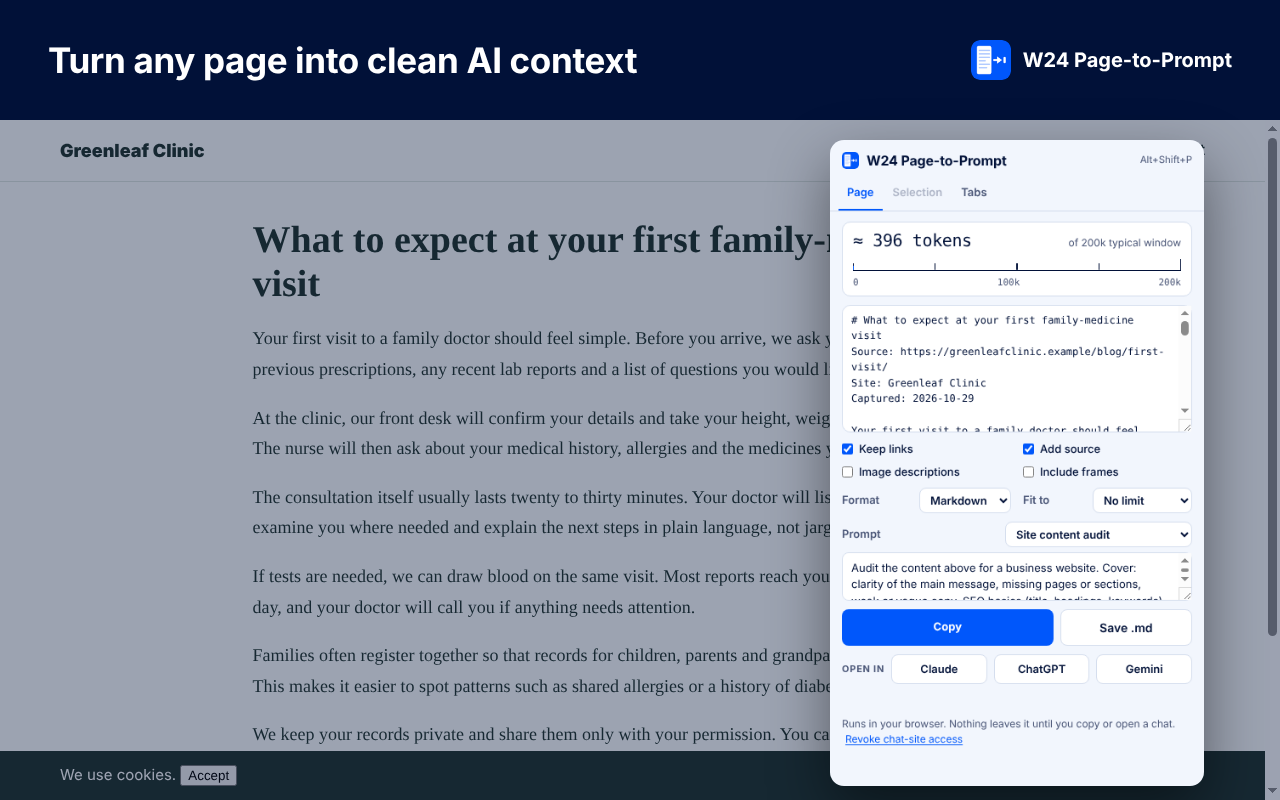
Page-to-Prompt turns the page you are on, a selection or a set of tabs into clean text with a live token count, then copies it, saves it or opens Claude, ChatGPT or Gemini with the message box filled in.
The main content as Markdown. Menus, footers, cookie banners, share bars and ads are left out, and tracking parameters are removed from links.
Grab only the text you highlighted, or bundle several tabs into one block for comparing pages and research.
See what will fit before you paste. Trim to 4k to 200k tokens at paragraph breaks, with the budget shared across tabs.
Token estimates understand Tamil, Hindi and other Indian scripts, Chinese, Japanese, Korean and Arabic, which use far more tokens per character than English.
Summarize, key facts, audit, redesign brief, competitor analysis and more. Write your own and keep it for next time.
Copy, save as .md or .xml, right-click to copy without opening the popup, or open Claude, ChatGPT or Gemini with the box filled in. It never presses Send.
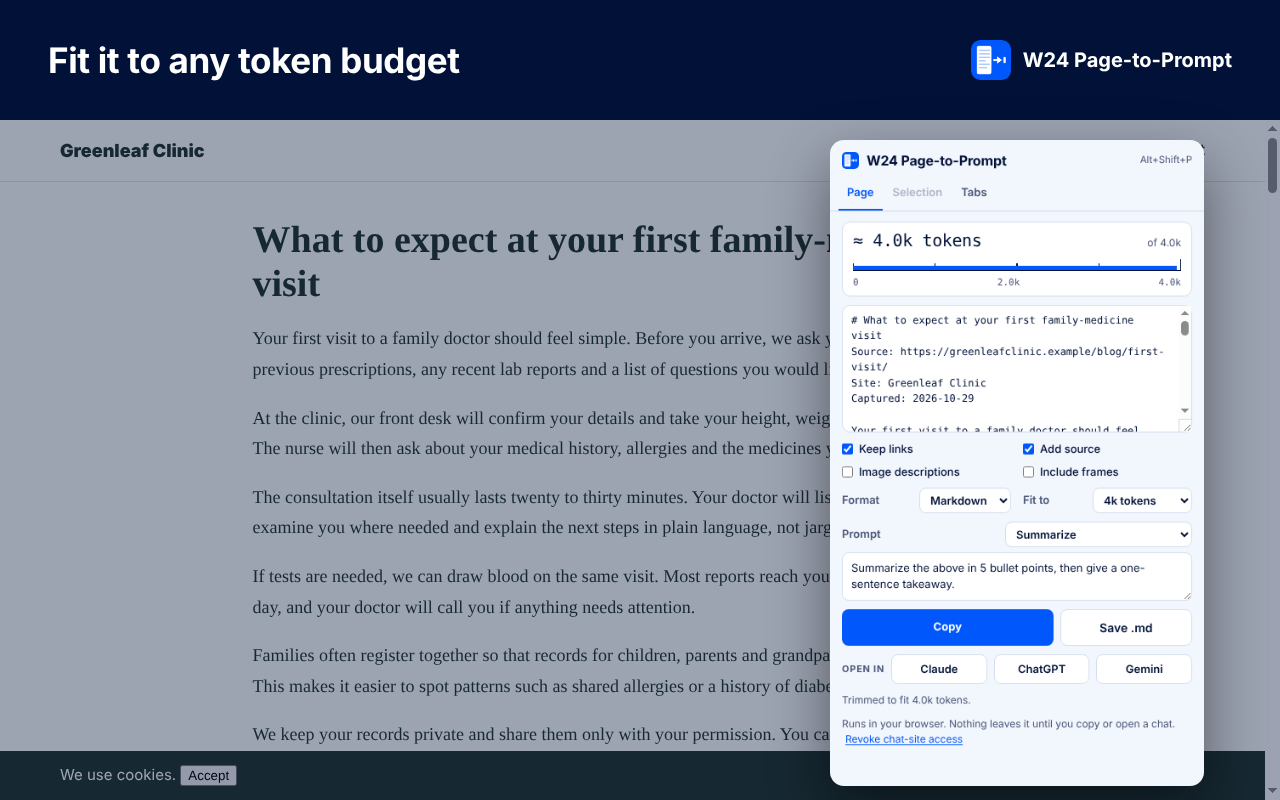
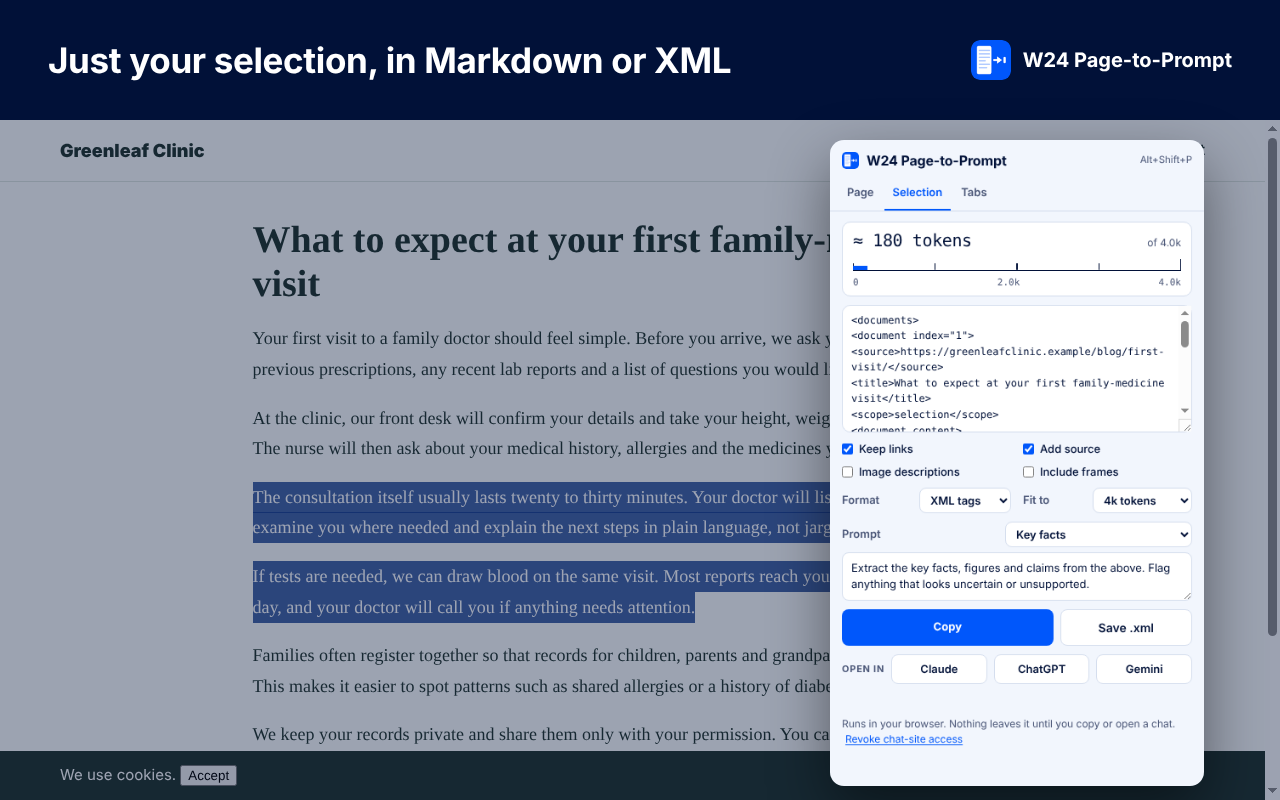
Screens show the extension running on demo pages.
Not by us. Pages are read in your browser. Text only leaves it when you paste it somewhere, or click Claude, ChatGPT or Gemini and send the message yourself.
The first time you click Claude, ChatGPT or Gemini, Chrome asks once for access to that site. It is used only to fill the message box, and you can revoke it from the popup.
They are estimates. English is about four characters per token, and other scripts are counted at higher rates. Real counts vary by model.
Need help? Visit support · Read the privacy policy.